
Can LookX AI replace traditional rendering engines for professional client work? After stress-testing its rendering consistency, seed locking, and credit system with raw SketchUp geometry.
The initial results? A flood of beautiful renders. Different moods, cinematic atmospheres, all visually impressive. But in a professional visualization workflow, "pretty" isn't the goal—consistency is. Here’s what happened when I tried to push LookX into a real-world SketchUp AI workflow.
The "Seed" Rabbit Hole: Why Consistency is Still the Final Boss
In theory, a seed in AI generation is a numerical value that locks the random noise pattern. If you lock the seed and keep your prompt the same, you should get repeatable outputs. I tried locking the seed in LookX to see if I could refine a specific render.
It didn't quite lock. The results shifted anyway—subtly, but enough to matter when you’re trying to maintain architectural intent. In the world of client work, "close enough" isn't enough for precise 3D modeling revisions.
Testing "Enable Imitation Hue" for Look and Feel
This feature is designed to copy the color palette and atmosphere from a reference photo and apply it to your AI render. It’s a great tool for matching a specific "vibe" without writing a 50-word prompt.
In practice: The more I pushed it, the weirder the results got. Instead of just shifting the tone, the image began to drift further and further from my original SketchUp geometry.
The Reality of Credits and Render Times
You start with 100 credits, but for a professional AI rendering process, you’ll burn through them faster than you expect:
My Honest Take: Is LookX AI Client-Ready?
I was genuinely impressed by the output quality. But the bottleneck isn't making a "beautiful image"—it’s the revision process. Architecture is a long game. I need to show a concept, get feedback, and then reproduce the exact same rendering environment weeks later.
Current AI Rendering Gaps:
Final Verdict
Until AI rendering tools like LookX can provide a reliable, revisable workflow, they stay in the "impressive demo" category for me. It’s a powerful tool for rapid mood-boarding and early-stage inspiration, but it isn't a "client-ready" replacement for traditional software yet. I’m just starting with LookX, and I’ll continue to refine my AI rendering workflow!
NOTE: My review reflects the "out-of-the-box" experience for a designer moving quickly from SketchUp to Render. While the ceiling for this software may be higher with technical mastery, the floor for a seamless, intuitive architectural workflow still feels a bit uneven. I’ll be diving deeper into these advanced controls in future posts to see if they solve the "revision" puzzle.
Stay tuned!
See you next time,
Sanaz Vazirian
Architect, Graphic Designer, Professor
Founder — SketchUp for Graphic Designers
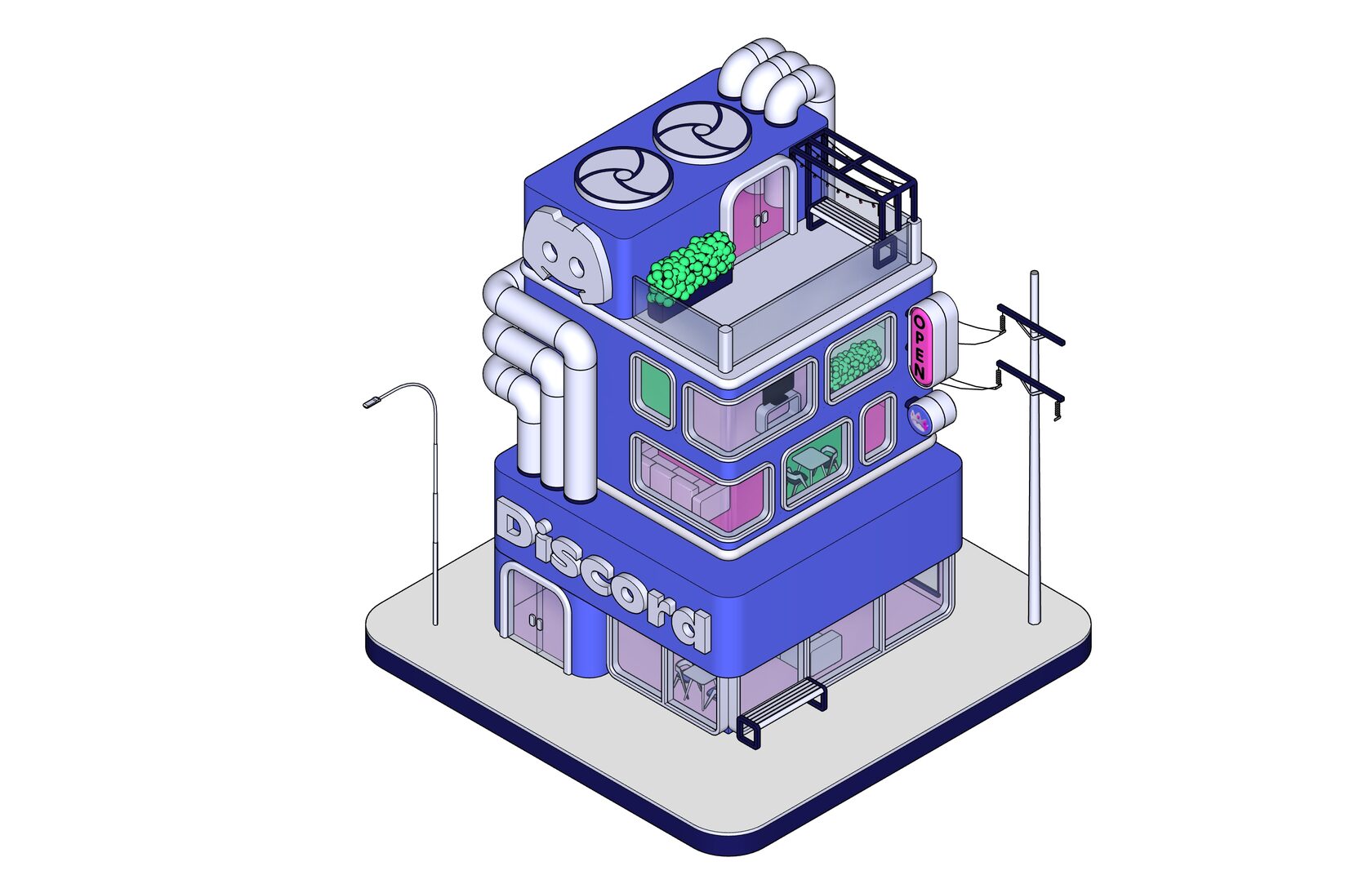
PS: I Tested 5 AI Render Tools on a SketchUp Brand Asset. Here's What Actually Happened.
The initial results? A flood of beautiful renders. Different moods, cinematic atmospheres, all visually impressive. But in a professional visualization workflow, "pretty" isn't the goal—consistency is. Here’s what happened when I tried to push LookX into a real-world SketchUp AI workflow.
The "Seed" Rabbit Hole: Why Consistency is Still the Final Boss
In theory, a seed in AI generation is a numerical value that locks the random noise pattern. If you lock the seed and keep your prompt the same, you should get repeatable outputs. I tried locking the seed in LookX to see if I could refine a specific render.
It didn't quite lock. The results shifted anyway—subtly, but enough to matter when you’re trying to maintain architectural intent. In the world of client work, "close enough" isn't enough for precise 3D modeling revisions.
Testing "Enable Imitation Hue" for Look and Feel
This feature is designed to copy the color palette and atmosphere from a reference photo and apply it to your AI render. It’s a great tool for matching a specific "vibe" without writing a 50-word prompt.
In practice: The more I pushed it, the weirder the results got. Instead of just shifting the tone, the image began to drift further and further from my original SketchUp geometry.
The Reality of Credits and Render Times
You start with 100 credits, but for a professional AI rendering process, you’ll burn through them faster than you expect:
- Video Exports: A single video runs 20 credits and takes about 15 minutes.
- The Verdict: For quick exploration, the credit system is fine, but for an iterative design process, the costs and wait times add up.
My Honest Take: Is LookX AI Client-Ready?
I was genuinely impressed by the output quality. But the bottleneck isn't making a "beautiful image"—it’s the revision process. Architecture is a long game. I need to show a concept, get feedback, and then reproduce the exact same rendering environment weeks later.
Current AI Rendering Gaps:
- Consistency remains the hardest hurdle.
- Repeatability is still an unsolved part of the workflow.
Final Verdict
Until AI rendering tools like LookX can provide a reliable, revisable workflow, they stay in the "impressive demo" category for me. It’s a powerful tool for rapid mood-boarding and early-stage inspiration, but it isn't a "client-ready" replacement for traditional software yet. I’m just starting with LookX, and I’ll continue to refine my AI rendering workflow!
NOTE: My review reflects the "out-of-the-box" experience for a designer moving quickly from SketchUp to Render. While the ceiling for this software may be higher with technical mastery, the floor for a seamless, intuitive architectural workflow still feels a bit uneven. I’ll be diving deeper into these advanced controls in future posts to see if they solve the "revision" puzzle.
Stay tuned!
See you next time,
Sanaz Vazirian
Architect, Graphic Designer, Professor
Founder — SketchUp for Graphic Designers
PS: I Tested 5 AI Render Tools on a SketchUp Brand Asset. Here's What Actually Happened.





I run these experiments to find what's actually worth teaching graphic designers — the rest goes here.